Stronde for Email

How to set up the HubSpot integration

With Stronde for Email’s HubSpot integration you can design brand-safe, responsive emails in minutes and sync them directly into HubSpot — no HTML coding required, no manual exports.

Build-strategically. Collaborate-seamlessly. Send-efficiently.

Before you begin

You’ll need:

  • An active Stronde for Email account.
  • A HubSpot account.
  • Admin (or app-install) permissions in your HubSpot account.
  • Super admin or Admin permissions in Stronde for Email.

How to connect the integration in Stronde for Email

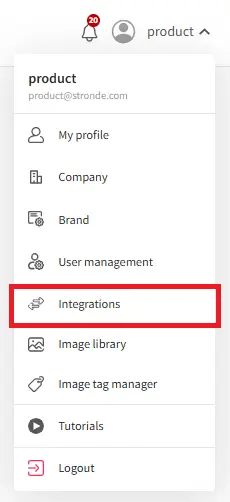
  1. Open your Stronde for Email account and head to the Settings > Integrations section. Integrations
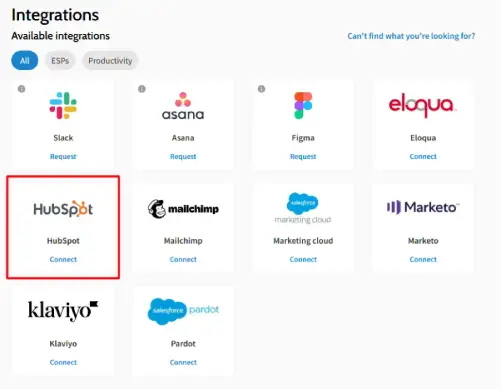
  2. Locate the HubSpot integration and click Connect.
    Connect to Hubspot
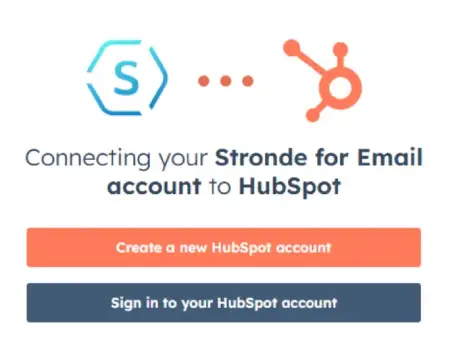
  3. Sign in to your HubSpot account
    Connect
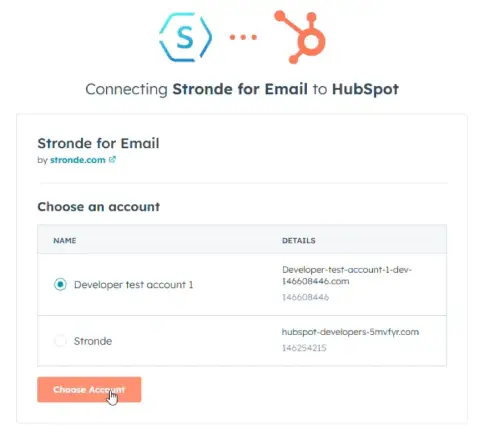
  4. Choose the desired account/instance
    Connect instance
  5. Connect your app.

Need more help?

Reach out to product@stronde.com